
Maintenance isn’t just what breaks—it’s what you have to adjust to keep prints consistent. If you want fewer interrupted print days, the right choice is usually the one with the lowest calibration drift and the easiest path to fix common wear items.
Below is a real-world reliability and ease-of-maintenance comparison of the classic Creality Ender 3 V2-style approach, the more modern Anycubic Kobra 2 design, and the maintenance-focused Prusa MK4 Mini approach. The emphasis is on what tends to go wrong, what you’ll likely calibrate, and how painless repairs are when something inevitably needs replacing.
Ender 3: reliability through community fixes and frequent re-tuning

Strengths for maintenance
- Part availability and upgrade ecosystem: Most replacements you’ll ever need are either widely available or close-enough-compatible (fans, belts, springs/leveling hardware, hotend components). This matters because downtime often comes from “waiting for the right part,” not from diagnosing the issue.
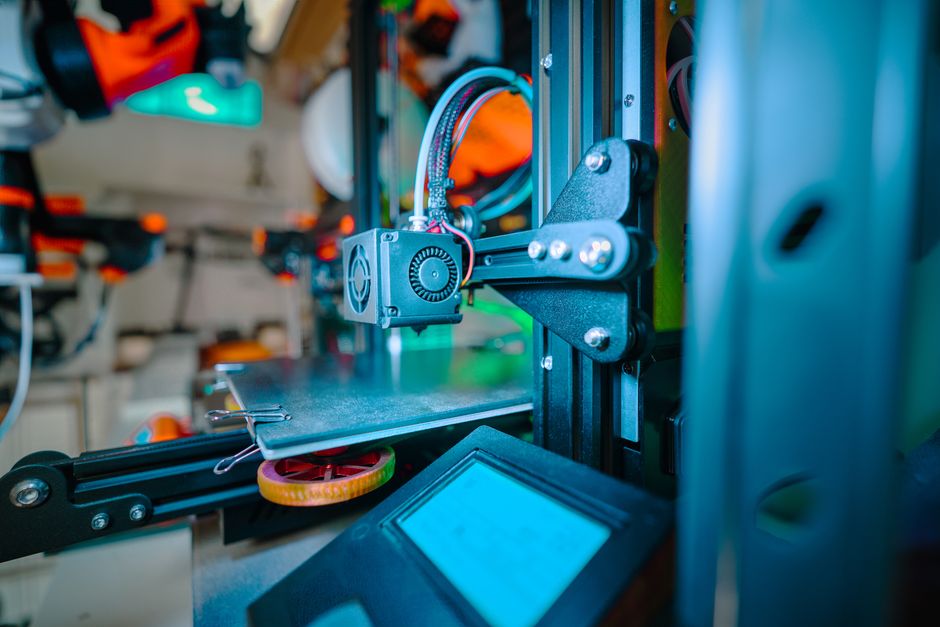
- Easy access to common wear areas: The printhead area and motion components are generally straightforward to reach, so nozzle swaps and basic belt checks don’t require major disassembly.
- Predictable failure patterns: With enough community experience, typical issues (bed leveling drift, Z-axis inconsistencies, cooling performance changes) have well-known workarounds.
Weaknesses and common failure points
- Calibration workload tends to be ongoing: Expect more frequent bed leveling/tramming attention—especially if you move the printer, change build surfaces, bump the frame, or notice first-layer changes.
- Mechanical stiffness and vibration sensitivity: Open-frame designs can be more sensitive to how the printer sits (table stiffness, cable strain, airflow). Small shifts can show up as layer misalignment or ringing.
- Hotend and filament path wear: PTFE tube wear (if your setup uses one), clogged nozzles from inconsistent filament drying, and cooling fan aging are common “it worked yesterday” failures.
What this means in practice: if you accept regular “check-and-correct” upkeep, the Ender 3 can be reliable. If you’re aiming for long stretches of printing with minimal intervention, the design pushes maintenance burden onto you.
Anycubic Kobra 2: fewer babysitting moments, more standardization pressure
The Kobra 2 is designed to reduce friction for everyday printing. In maintenance terms, that usually shows up as fewer calibration steps to get started—while still requiring routine checks to prevent slow performance drift.
Strengths for maintenance
- Lower day-to-day calibration effort: Modern bed-probing/automatic leveling approaches generally reduce the time you spend getting the bed into the right plane.
- More integrated “out of the box” experience: Many users won’t need to immediately perform the same level of mechanical tightening that older open-frame setups often require.
- Common wear items are still serviceable: Fans, belts, and hotend consumables are generally replaceable without extreme teardown.
Weaknesses and common failure points
- Auto-calibration doesn’t eliminate tuning: Even with assisted leveling, reliability can still depend on consistent nozzle cleanliness, stable temperatures, and keeping motion components in good shape. The “effort” shifts from frequent bed leveling toward monitoring first-layer stability.
- Probing and sensor sensitivity: If leveling relies on probes or sensors, drift or contamination can cause more confusing symptoms than simple mechanical adjustments.
- Cable strain and printhead cooling health: On printers with more integrated toolheads, failure symptoms can appear as cooling changes (droopy overhangs, inconsistent stringing) when a fan slows down or a connector loosens.
What this means in practice: the Kobra 2 often feels more reliable for beginners because it reduces the obvious calibration chores. Long-term reliability still depends on regular inspection of cooling, motion tension, and hotend cleanliness.
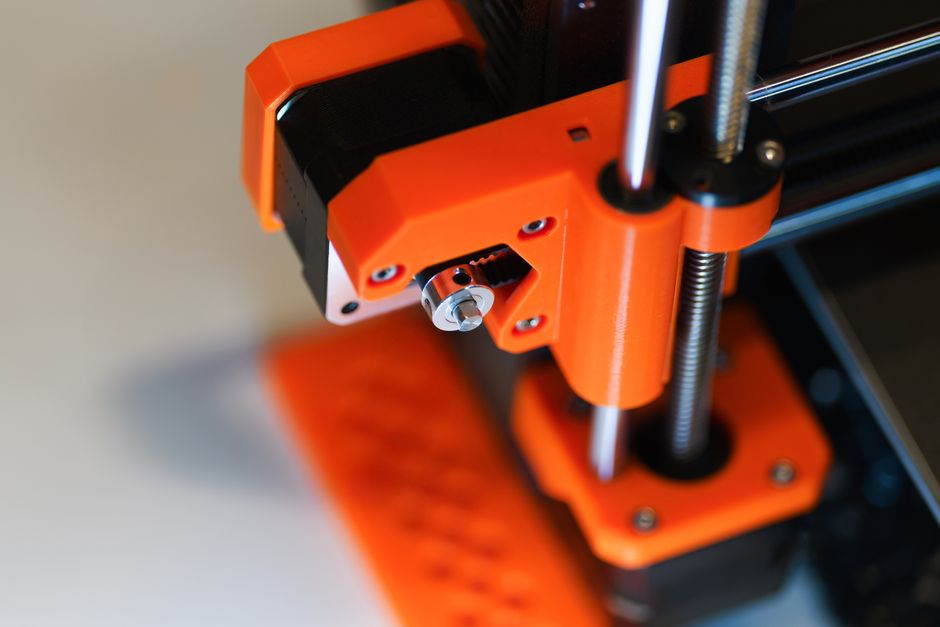
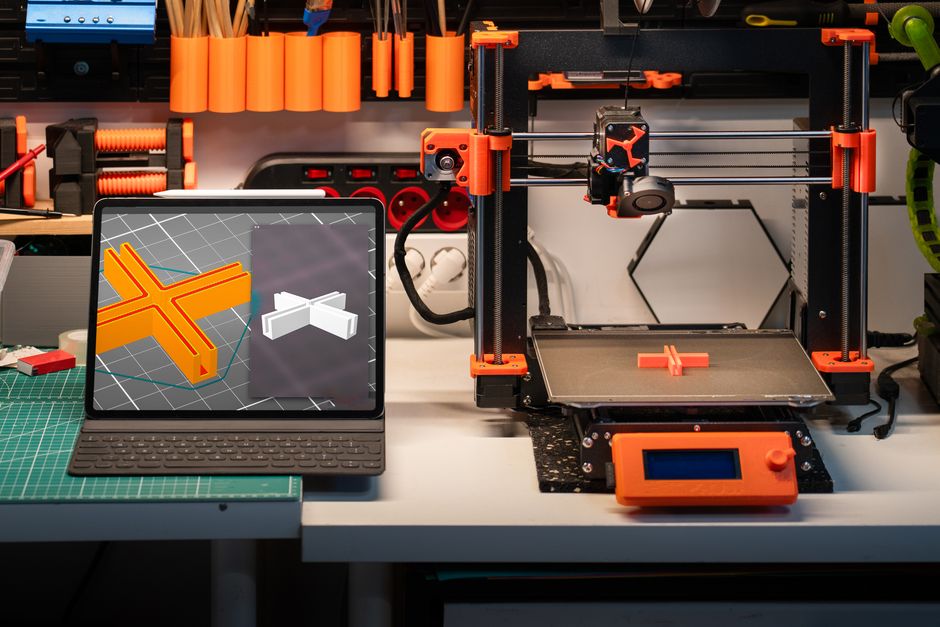
Prusa MK4 Mini: reliability that comes from consistency and well-managed spares
Prusa’s biggest maintenance advantage is not that nothing ever goes wrong—it’s that the printer is engineered to help you stay consistent and repairable without a lot of guesswork. That typically translates into faster diagnosis, fewer “mystery” causes, and a more predictable calibration routine.
Strengths for maintenance
- Consistency out of the box and after updates: Better calibration workflows and integrated checks reduce performance drift. When issues do happen, the cause is often easier to isolate.
- Support and parts strategy: Reliable long-term ownership depends on having spare parts that are actually meant for the machine. Prusa’s approach generally makes it easier to source correct replacements rather than improvising.
- Clear serviceability for hotend and wear parts: When a nozzle clogs or a fan fails, the practical job should be straightforward—clean, accessible, and repeatable.
Weaknesses and realistic expectations
- Maintenance still exists: You’ll still handle nozzle swaps, filament drying habits (especially for tough materials), and periodic cleaning.
- Some parts are less “universal”: Compared with extremely community-driven ecosystems, you may be more dependent on sourcing the right manufacturer part rather than choosing any equivalent.
What this means in practice: the MK4 Mini tends to win for reliability because fewer things can surprise you. When repairs are needed, they’re usually less time-consuming because the system is designed to be maintainable.
Who should buy which if reliability and maintenance ease matter most
Choose based on what you want your time to look like: frequent small adjustments, occasional troubleshooting, or rare maintenance with predictable fixes.
- Pick the Ender 3 if you’re comfortable doing regular mechanical upkeep and you want the biggest ecosystem of compatible parts and community guidance. It’s often the most repairable by “local parts store logic,” but it can demand more calibration attention.
- Pick the Kobra 2 if you want a more reliable day-to-day experience with less calibration hassle than an Ender-style workflow. It’s a good middle ground: easier ownership than the classic open-frame approach, with maintenance still centered on hotend cleanliness, cooling health, and motion checks.
- Pick the Prusa MK4 Mini if you value consistency and want a maintenance experience that’s guided—fewer mystery problems, clearer workflows, and straightforward access to the parts you’ll need over time.
If you want the most reliability from any of these printers, use the same simple maintenance routine (the goal is to catch small drift before it becomes a failed print). Do these regularly:
- Clean the nozzle and check the cooling path (fans, ducts, and airflow) to prevent clogs and inconsistent first layers.
- Inspect belts, pulleys, and bed mounting for looseness or irregular wear—small shifts can look like “bad calibration.”
- Verify bed alignment and Z offset on a known test after any major change (build plate swap, nozzle change, firmware/config changes).
- Check connector strain and fan speeds so heat creep and poor cooling don’t silently degrade reliability.
The practical verdict: if maintenance “effort” means frequent manual tuning, the Ender 3 will feel heavier; if it means faster setup and fewer adjustments, the Kobra 2 is a strong pick; if it means consistent calibration and maintainability with less guesswork, the Prusa MK4 Mini is the easiest route to long-term reliability.
PriceIt3D may earn a commission when you buy through links on this page, at no extra cost to you. Affiliate notice.