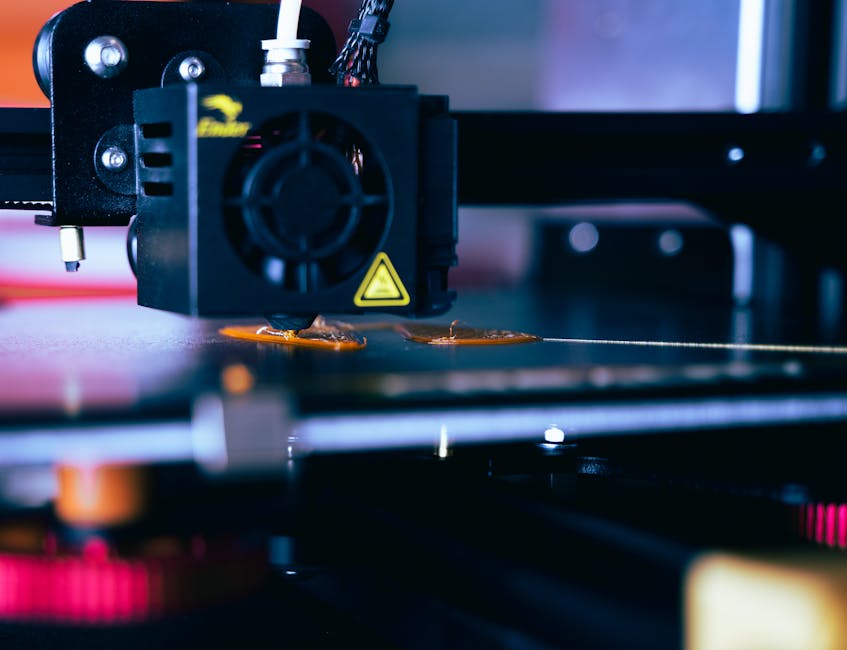
Carbon fiber reinforced nylon can make parts that feel unusually rigid for a desktop printer. But the same carbon fibers that boost stiffness also chew through soft nozzle materials, so the best filament choice comes with a nozzle plan.
This guide covers what to watch for with CF-Nylon blends, which nozzle materials/coatings hold up better, and how to tune your process so your extrusion stays consistent instead of turning into sandpaper spaghetti.
What Makes Carbon Fiber Nylon Abrasive

Carbon fibers are harder than typical nozzle materials, and they act like microscopic grinding media. Over time, abrasion can:
- Widen the nozzle orifice, which can change extrusion flow and reduce accuracy.
- Cause inconsistent line width (you’ll see variability in layer bonding and surface finish).
- Accelerate heat-loss behavior in the nozzle tip, leading to tuning headaches.
- Leave the nozzle partially clogged with worn debris, which can cause intermittent under-extrusion.
The key idea: with CF-Nylon, your nozzle isn’t just a consumable—it’s the “control knob” that determines whether you get stable prints or progressive degradation.
Choose a Nozzle Material That Can Handle Wear
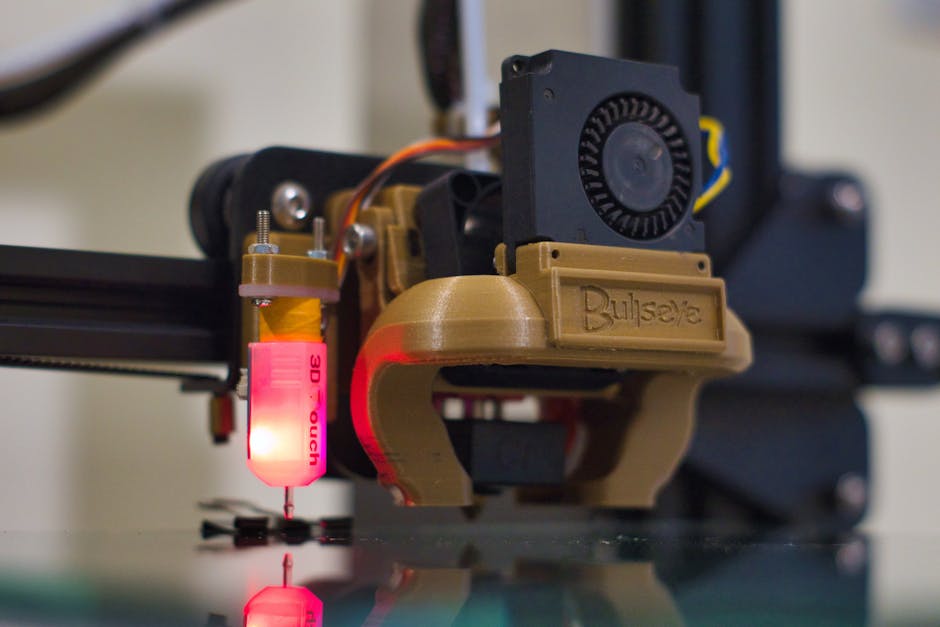
Instead, prioritize nozzles built for abrasive filament:
- Hardened tool steel or other high-wear steels: a common middle ground for protecting the tip while keeping costs reasonable.
- Tungsten carbide or carbide-insert nozzles: very wear-resistant options that typically perform better for long runs.
- Ruby (corundum) or similarly hard-insert nozzles: often used specifically to survive abrasive engineering materials.
- Wear-resistant coatings (when compatible with your hotend): coatings can help, but they’re still subject to abrasion—so treat them as “better,” not “indestructible.”
Coating matters most at the nozzle tip and inner walls where fibers contact the melt stream. If you’re deciding between “brass + coating” and “hard material + no coating,” the hard-material route is usually the safer bet for CF-Nylon reliability.
If your printer uses a metal heatbreak and a direct-drive or stable feed path, you’ll also reduce additional friction and improve consistency—because any extra resistance at the drive gears can make nozzle wear show up as extrusion problems sooner.
Pick the Right CF-Nylon Blend for Your Job
The phrase “carbon fiber reinforced nylon” covers multiple blend styles. Different fibers and different fiber loadings shift the balance between stiffness, surface finish, and printability.
When choosing filament, think in terms of how you want the part to behave:
- If you’re making functional brackets and housings that must stay rigid, higher carbon content generally supports stiffness—but it also increases abrasion and can make fine details harder.
- If you want a more forgiving workflow (cleaner surfaces, easier tuning), a blend on the lower end of fiber loading often prints more steadily and slows nozzle wear.
- If you’re printing larger, flat structural parts, prioritize stability and consistent extrusion; you’ll notice nozzle wear faster on big prints where the system runs longer.
- If you need consistent dimensions, choose filament that’s clearly intended for engineering nylon use (good drying guidance and reliable feeding) because nylon’s moisture sensitivity can compound extrusion variability.
Also, check whether the manufacturer provides clear guidance for drying and printing. With nylon-based materials, “it printed once” isn’t the same as “it prints repeatably.” Even a great CF-Nylon choice can perform poorly if moisture has already turned the melt into something more unpredictable.
Dial in Settings to Protect Your Nozzle
CF-Nylon rewards a careful setup. The goal isn’t just to hit temperature—it’s to reduce the time abrasive material spends stressing the nozzle and drive system.
Use this step-by-step approach:
- Dry the nylon before printing and keep it dry during storage. Moist nylon can cause bubbles, inconsistent flow, and extra stringing that forces more re-tuning and longer melt time.
- Reduce print speed compared to PLA and typical “engineering nylon” starts. Faster printing increases shear and contact events, which can make abrasive wear accumulate sooner.
- Run modest retraction (or even minimal retraction if your setup tolerates it). Over-aggressive retraction can grind more material in the melt path and worsen clogs.
- Calibrate extrusion flow carefully. If your first layer is over-extruding to compensate for tuning, you’ll spend more time forcing abrasive fibers through a worn nozzle.
- Choose a stable layer height and avoid overly small details when you’re still learning the filament. Fine features require more frequent start/stop moves, increasing time in contact and raising the chance of inconsistency.
- Watch for early signs of nozzle wear: changing line width, surface roughening, more frequent under-extrusion, or altered stringing. Don’t wait until the nozzle is fully “gone.”
- Plan for a nozzle swap schedule. If you’re doing real production runs, treating the nozzle as a monitored wear part will save you from losing entire batches to gradual drift.
These steps don’t just improve print quality—they reduce the abrasive contact cycle that turns wear into randomness.
Maintenance Plan After Printing CF-Nylon
CF-Nylon printing works best when you manage wear proactively.
A practical maintenance routine can be simple:
- Inspect the nozzle tip when you finish a long print. Look for changes in shape, visible wear grooves, and signs of partial clogging.
- If you see increasing stringing or inconsistent extrusion, don’t assume “just lower the temperature.” Treat it as a likely flow/nozzle-change signal.
- When performing cold-end maintenance (like pulling a filament change), do it consistently. Nylon residue and abrasive debris can build up and worsen feeding.
- Keep a spare wear-resistant nozzle available. CF-Nylon is usually not a “run one nozzle forever” material.
For cleaning, follow your hotend design rules and avoid aggressive scraping that can damage surfaces you need to keep smooth for melt consistency.
Finally, store CF-Nylon so it stays dry. That isn’t only about strength—it’s about keeping extrusion predictable. Predictability reduces how often you intervene with “panic tweaks,” and fewer interventions means less extra time spent feeding abrasive material.
Who Should Buy Which Setup
If you want one clear takeaway, it’s this: the best filament for CF-Nylon printing is the blend you can feed and dry consistently—and that you pair with a nozzle that won’t fall behind.
- Choose a harder, wear-resistant nozzle (tool steel, carbide insert, or similar) if you’ll print CF-Nylon more than occasionally. This protects dimensional accuracy and reduces tuning churn.
- Choose a lower-to-moderate fiber loading CF-Nylon blend if you’re prioritizing easier tuning, cleaner surfaces, and longer nozzle life.
- Choose a higher fiber loading blend if stiffness and rigidity are the priority and you’re prepared to manage nozzle wear as a normal part of the workflow.
If you’re starting out, the best next step is to commit to a wear-resistant nozzle and a careful first calibration print. Once extrusion behavior is stable, you’ll get the mechanical benefits CF-Nylon is known for without the “mystery drift” that comes from abrasive wear catching you by surprise.
PriceIt3D may earn a commission when you buy through links on this page, at no extra cost to you. Affiliate notice.