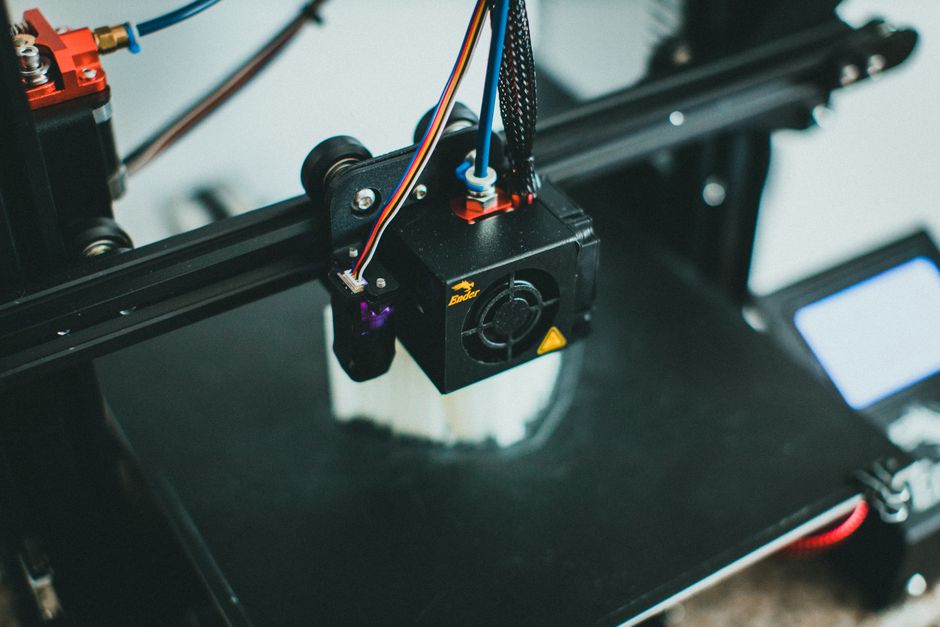
Stringing is one of the fastest ways to tell whether your printer’s extrusion system is in control. The big difference between Bowden and direct drive extruders is how quickly and consistently they can pull filament back (and how smoothly they recover), which directly affects retraction performance, speed potential, and how easy tuning is.
Below, you’ll compare Bowden vs direct drive for stringing and retraction, how they affect filament compatibility, and what to check when you still see wisps, blobs, or inconsistent extrusion.
Bowden Extruders and What They Mean for Stringing
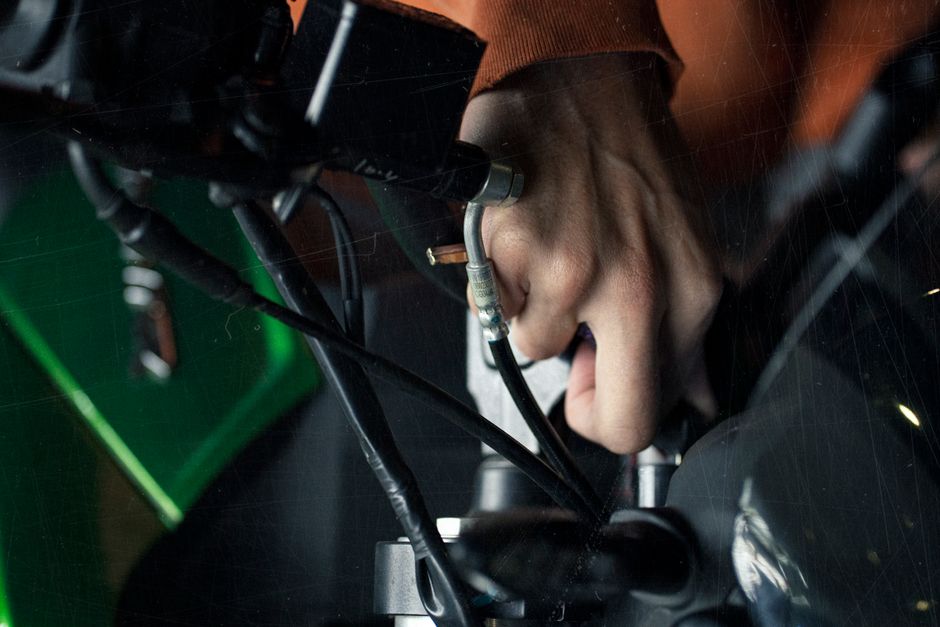
With Bowden extruders, retraction distance is often more because you have more “filament column” to pull back. When retraction happens, the filament can compress slightly inside the hotend system, and the longer path means the pressure change may not feel as immediate. Practically, that can make stringing harder to fully eliminate on some printers—especially when you’re dialing in aggressive travel speeds.
Bowden’s biggest upside is speed: the extruder motor rides on the frame, so less mass moves during printing. That can help you run faster print moves without as much vibration, which matters because unstable motion and inconsistent flow can also look like stringing.
Filament compatibility tends to be mixed. Bowden systems can work well for many standard plastics, but they may struggle with very soft, very springy, or high-friction materials because the tube adds friction and buffering. If filament doesn’t slide smoothly, retraction becomes less predictable—leading to either weak retraction (strings) or over-retraction and grinding (blobs, clicking, or under-extrusion).
When you troubleshoot Bowden stringing, focus on whether your retraction is relieving pressure fast enough for your travel behavior and whether filament can move consistently through the tube:
- If strings appear mainly during frequent travel moves, retraction timing and pressure relief are the first suspects.
- If retraction produces a blob at the start of the next line, the system may be recovering flow too slowly or the retraction amount is too high for your current temperature and speed.
Direct Drive Extruders and What They Mean for Stringing

Direct drive retractions tend to be more precise. Because less filament is “buffered” between the extruder and nozzle, you often get better control over pressure release during travel moves. That’s why direct drive setups are frequently chosen when stringing is stubborn—especially at moderate to higher print speeds where consistent pressure control matters.
The tradeoff is moving mass. With direct drive, more weight is typically carried on the printhead, which can limit how fast you can accelerate without ringing or dimensional issues. Those motion artifacts can also affect flow consistency, so you may need to tune acceleration/jerk and cooling strategy alongside retraction.
Filament compatibility often favors direct drive for flexible and high-friction materials. Softer filaments (like TPU) usually benefit from short, controlled movement and less tube friction. Abrasive filaments can still be used, but they may require a hardened nozzle and appropriate wear-resistant parts—retraction tuning won’t fix wear issues; it only affects pressure control.
If direct drive still strings, it’s usually not because retraction is “impossible”—it’s because one of the pressure and flow variables isn’t aligned. Common culprits include:
- Retraction settings that are close but not correct for your print speed and temperature
- Insufficient cooling during travels, so tiny strands don’t break cleanly
- Wet filament creating inconsistent extrusion pressure
Retraction Tuning That Works for Both Setups
Retraction is not a single setting—it’s a coordinated response to travel moves, temperature, and how fast the nozzle returns to printing. Use the workflow below to converge quickly without chasing random values.
- Dry filament first (when in doubt).
- Print a retraction test with consistent temperature, fan speed, and travel settings.
- Tune retraction distance until strings reduce, but start looking for the point where blobs at restart begin.
- Adjust retraction speed to match your mechanical response (too slow can leave strings; too fast can cause clicking or jams).
- Tune temperature next: lower temperature can reduce oozing, but too low can cause under-extrusion and messy starts.
- Re-test with your real travel conditions (same print speed and acceleration style you use for production).
This workflow helps because it isolates retraction effectiveness from general over-ooze caused by heat or moisture. Once your baseline is stable, you can add secondary controls (coasting, wiping, or Z-hop) as targeted fixes.
Troubleshooting Stringing and Extrusion Issues by Symptom
Even when you choose the “right” extruder style, stringing can come from non-retraction causes. Use symptom-based checks to avoid the classic loop of changing retraction while the real problem sits elsewhere.
- Wispy strings spread along travel paths: reduce temperature slightly, confirm retraction is actually pulling back (watch the filament movement), and ensure cooling is on during travels.
- Thin strings plus a consistent blob at the restart: retraction is likely too high or too slow to recover cleanly—reduce retraction distance and/or increase retraction speed carefully, then retest.
- Clicking, grinding, or sudden under-extrusion during retraction: retract too aggressively for your filament or drive grip—lower distance, slow retraction speed, and verify tension.
- Stringing that gets worse over time: check nozzle clogs, heat creep, or poor cooling airflow. A partially blocked nozzle often behaves like it “can’t release” pressure predictably.
- Inconsistent extrusion that looks like irregular stringing: confirm flow settings and calibrations (extrusion multiplier/flow, E-steps if needed) and look for wet filament.
If you’ve worked through the symptoms and retraction tuning still won’t behave, it’s time to consider whether your extruder style matches the material and print style you’re targeting.
Which Extruder Style to Choose for Low-Stringing Prints
If your goal is maximum retraction control and you often print flexible or high-friction filaments, direct drive is usually the safer bet. You’ll typically get more repeatable retraction results with less guesswork, especially for materials that don’t move cleanly through a tube.
If your goal is speed, and you primarily print rigid materials that feed smoothly, Bowden can be a strong choice. You may need more careful tuning of retraction distance/speed and travel behavior, but you can often get clean results while benefiting from faster, lighter motion.
One practical way to decide: choose based on how you print.
- For fast, rigid production where filament feeds effortlessly, Bowden is often worth the tuning effort.
- For frequent retraction-sensitive details, softer materials, and “stringing is the enemy,” direct drive usually pays off sooner.
The next step is to run one controlled retraction test on your current setup and lock in a stable baseline before changing extruder hardware. That keeps you from guessing when the real issue is temperature, moisture, cooling, or pressure recovery—not just the extruder type.
PriceIt3D may earn a commission when you buy through links on this page, at no extra cost to you. Affiliate notice.