For a small business, the real question isn’t just which tech makes the sharpest model—it’s which one keeps jobs moving with the least waste. LCD and DLP resin printers both use light to cure a liquid resin, but the way they project that light changes speed, surface character, and how often prints fail.
This guide breaks down how LCD vs DLP generally stack up for batch printing: cycle time, detail fidelity, failure patterns, and total cost of ownership (TCO), so you can pick the option that matches your workload and workflow.
LCD Resin Printers
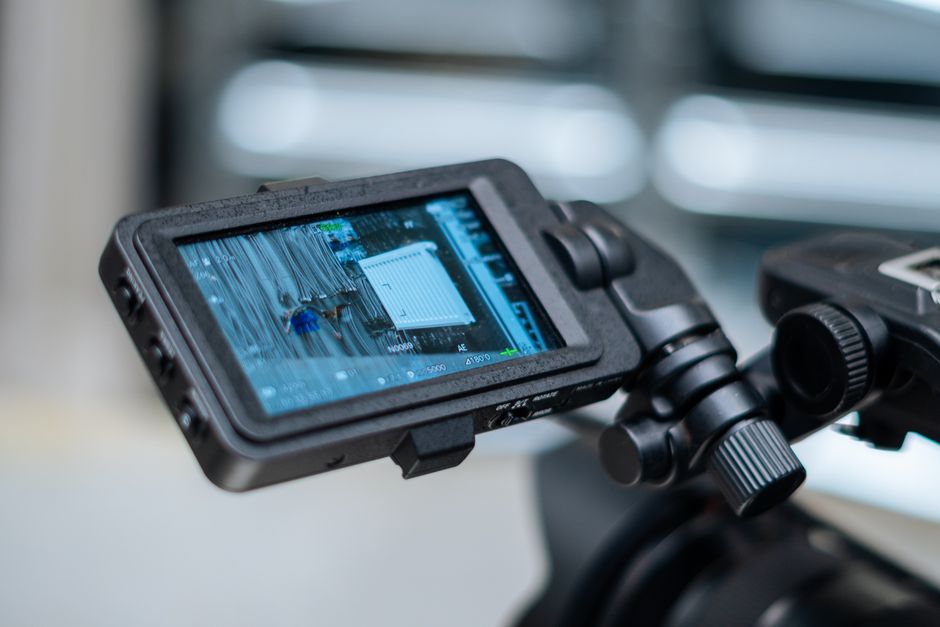
Strengths
- Good control over exposure behavior: LCD systems let you fine-tune exposure settings to manage under-curing vs over-curing, which matters for parts with thin features.
- Strong batch reliability when tuned: Once you’ve found the right exposure, lift settings, and support strategy for your resin and part mix, LCD printers tend to run repeatably.
- More widely used ecosystem: Many resin profiles, slicing workflows, and community-tested settings are built around LCD-style curing.
Weaknesses
- Not always the fastest per job: Even if layer times look short on paper, LCD-based curing can require longer exposure to fully cure each layer, especially with tougher resins.
- Screen wear is a real maintenance consideration: Because the LCD panel is part of the light path, there’s always some long-term wear and eventual replacement to budget for.
- Potential for more variability with resin conditions: If resin temperature, viscosity, or resin clouding changes between batches, LCD printers may reveal that as dimensional drift or inconsistent detail.
DLP Resin Printers
Strengths
- Often faster layer curing: DLP’s projection approach can translate into quicker per-layer exposure in many setups, which helps when you’re stacking many parts in one build.
- Great detail potential: DLP printers can produce crisp edges and fine surfaces—especially on models that benefit from strong lateral resolution.
- Good for high-mix small-batch work: When you’re printing many different designs, the speed and image sharpness can reduce the time you spend waiting for “just one more proof.”
Weaknesses
- Fidelity can be resin- and tuning-sensitive: Even with excellent projection, you still need correct exposure and support strategy to avoid soft spots, lift failures, or small-feature loss.
- More visible artifacts if the setup isn’t right: Depending on the optics and processing, some DLP prints can show subtle projection-related patterns. Proper calibration and workflow consistency help.
- Expect maintenance from a different direction: Instead of LCD screen wear, DLP systems introduce maintenance considerations tied to the projector/optics and the mechanical setup required to keep projection aligned.
Batch Printing Reality Check: Setup Time and Throughput
In small business work, “speed” isn’t just the total print time on a spec sheet. It’s the whole cycle: setup, curing, cleaning, and rework after failures.
A practical way to compare LCD vs DLP for your shop is to look at whether your process is bottlenecked by curing time, vat settling, cleaning, or staffing—not only how fast each layer cures. DLP may reduce cured-layer time, but if you spend an extra hour mixing resin, washing supports, and curing parts because failures increased, your throughput still drops.
Use this batch workflow to compare the two technologies under real conditions:
- Pick one resin and stick to it for the comparison runs so exposure tuning isn’t moving between trials.
- Print a controlled test pack (same model set, same orientation, same support strategy) to measure failure frequency and surface consistency.
- Time the full job cycle: start-to-finish printing plus cleaning plus curing plus post-processing.
- Track reprints as a cost item (resin + time + missed delivery windows), not a “rare inconvenience.”
- Lock your batch parameters (temperature range, resin stirring/mixing routine, and exposure settings) and only adjust one variable at a time.
When you run that same process on both LCD and DLP, you’ll usually see the real winner for your particular part types. Many shops find that DLP can shine when print time dominates, while LCD wins when repeatability under changing resin conditions dominates.
Total Cost of Ownership: Resin, Labor, and Maintenance
Operating cost is where most small-business decisions either make sense—or start losing money quietly. TCO for resin printers usually comes down to: resin usage and waste, cleaning chemicals, curing consumables/equipment, electricity, and downtime due to maintenance.
Here’s what changes most when comparing LCD vs DLP:
- Resin waste from failures: Under-curing, peeling failures, warping, and thin-feature dropouts can waste an entire vat’s worth of time. The “better” tech is the one that fails less with your actual part geometry and support choices.
- Post-processing labor: If one tech produces slightly more overcure or more support adhesion, it can increase sanding time or shorten yield-to-sales. This often matters more than small differences in layer time.
- Cleaning and curing efficiency: For batch production, curing consistency affects how many parts need rework. A dedicated curing setup—like SUNLU UV Resin Curing Box—can help keep batches consistent and reduce the back-and-forth of partial cures.
- Maintenance and downtime: LCD systems often make screen replacement (and exposure uniformity over time) part of your long-term cost plan. DLP systems more often shift the cost focus to projector/optical maintenance and alignment checks. Either way, the biggest TCO driver is not the part cost—it’s how often you lose production time.
Speed vs cost trade-offs
If DLP reduces print time but you spend extra labor compensating for failures or cleanup, it won’t beat LCD on TCO. Conversely, if LCD takes longer per batch but you consistently ship parts with fewer reprints, it can become the cheaper path even with longer print cycles.
Which One to Choose for Your Small Business
Pick LCD if:
- Your work depends on repeatable results across varied part geometries and you want a tuning workflow that’s easy to dial in.
- You’re optimizing for consistent production runs where operator skill and settings discipline matter more than raw layer speed.
- You prefer to budget around LCD-panel wear and manage long-term calibration as part of your maintenance schedule.
Pick DLP if:
- Your business benefits from shorter lead times and you run many prints in parallel where print-time reduction matters.
- Your part library often includes features that benefit from high image sharpness.
- Your process is already strong on calibration, resin handling, and support strategy—so speed doesn’t come at the cost of higher failure rates.
A simple decision rule: if your shop is frequently waiting on print time, DLP typically has the advantage. If your shop’s bottleneck is rework, inconsistent resin conditions, or manual post-processing, LCD’s repeatability after tuning often helps protect TCO.
The next move that pays off quickly is to run the same batch workflow on both technologies using one resin, time the entire cycle, and track reprints for a couple of real production-style builds. That’s the point where “speed and quality” becomes real operating cost for your specific business.
PriceIt3D may earn a commission when you buy through links on this page, at no extra cost to you. Affiliate notice.