Flexible parts demand flexible filament—but not all “soft” materials behave the same. If you pick the wrong Shore hardness (or tune retraction poorly), you’ll get stringing, weak layer bonding, and prints that don’t flex where you need them to.
This guide ranks TPU options by hardness and explains what to run for temperature, speed, and retraction behavior. You’ll also learn what printer setup tends to perform best with TPU.
Shore Hardness Ranking for Flexible Parts

- Higher Shore numbers generally feel stiffer and hold shape better.
- Lower Shore numbers feel more elastic and bend more easily.
One important catch: “Shore A” and “Shore D” are different scales. Even so, a 92A material is typically a much firmer experience than a 40D material, and that difference shows up in both part performance and printing behavior.
For practical shopping, think of this ordering:
- Firmer flexible TPU (good shape control and better durability)
- Softer flexible TPU/TPE (more bend, more forgiveness, often more stringing if not tuned)
TPU 92A: Firmer Flexible TPU for Durable Flex
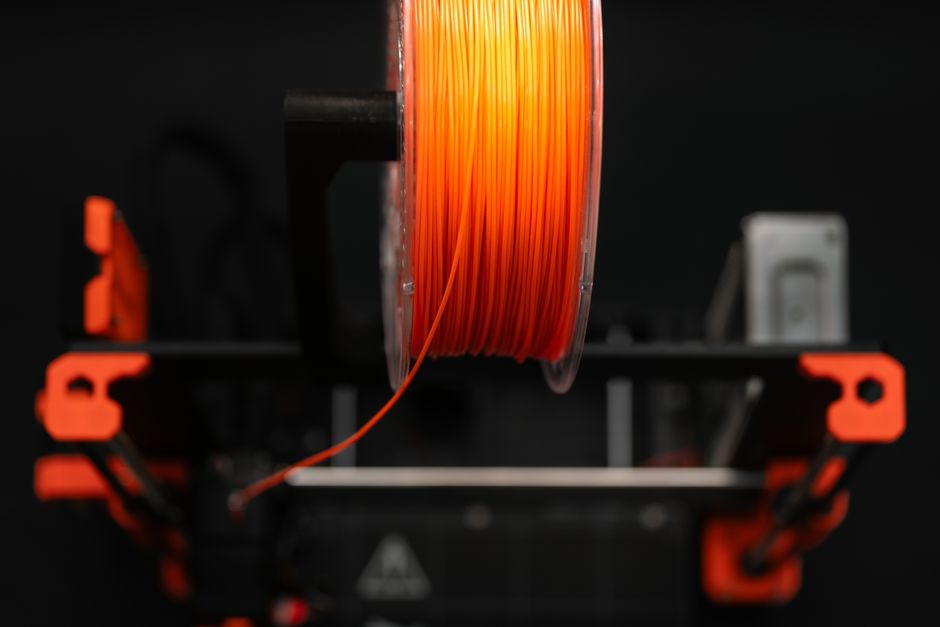
This category includes both SUNLU TPU 92A 0.5kg 1.75mm Transparent and SUNLU TPU 92A 0.5kg 1.75mm Yellow. Expect them to hold their geometry better than softer options, which helps when your part has thin walls, bosses, or snap features.
What to expect in prints
- Layer adhesion: Often easier to dial in because the material behaves more like a “controlled flexible” than an ultra-soft rubber.
- Stringing: Still possible, but typically easier to manage than with very soft filaments.
- Dimensional accuracy: Better for parts that must fit together.
Recommended temperatures and speeds (typical starting points)
Use these as starting ranges and then tune based on your extruder and airflow:
- Nozzle temperature: often starts around the low-to-mid 200s °C for 1.75 mm TPU. If it’s under-extruding or looks under-melted, raise it slightly; if it’s too gooey or stringy, drop it.
- Print speed: TPU usually prefers slower motion than PLA/PETG. Start moderately slow, then increase only if quality improves (not if you see rough surfaces).
Retraction behavior
Firmer TPU generally tolerates “sane” retraction settings better.
- Retraction distance: usually needs to be reduced compared to rigid plastics.
- Retraction speed: also often needs to be moderated. Aggressive retraction can cause deformation at the nozzle tip or inconsistent pressure.
If you’re seeing hairs/stringing, don’t jump straight to huge retraction. Instead: lower speed, ensure good cooling, and reduce retraction to a value your extruder can repeat reliably.
TPE 40D: Softer Flexible Parts That Bend Easily
If your part needs to be more “rubbery” and less stiff—like soft bumpers, highly flexible inserts, gaskets, or wearable comfort parts—softer materials are the better match.
This includes FilaTech FilaFlexible40 TPE 40D 0.5kg 1.75mm Black and FilaTech FilaFlexible40 TPE 40D 0.5kg 1.75mm Blue. The 40D feel typically means the part will compress and bend more readily, but it also raises the odds of oozing and stringing if your printer setup isn’t well-tuned.
What to expect in prints
- Flex and feel: more dramatic bending and higher “give.”
- Bridging and overhangs: can be more challenging unless your airflow and cooling are dialed.
- Stringing sensitivity: softer filaments often show strings at smaller tuning errors.
Recommended temperatures and speeds (typical starting points)
- Nozzle temperature: often lands in the same general TPU/TPE neighborhood as many TPU filaments, but softer blends may look stringier if the nozzle is too hot. Start in a moderate range and adjust carefully.
- Print speed: for softer TPU/TPE, going slower often improves consistency and reduces stringing.
Retraction behavior
Softer materials usually want retraction that is “gentle but consistent.”
- Retraction distance: commonly reduced further than with firmer TPU.
- Retraction speed: typically kept modest. If your extruder motor jerks the filament too abruptly, you can worsen inconsistent extrusion.
Because softer blends can ooze more, you’ll often get better results by combining slightly lower temperature, controlled cooling, and conservative retraction rather than relying on retraction alone.
Print Settings That Matter Most for TPU
Even the “best” TPU can print poorly if the printer is fighting the filament. These tuning moves address the biggest failure points: under-extrusion, weak layers, and stringing.
- Dry the filament if it’s been sitting open. TPU/TPE can absorb moisture, which shows up as popping, bubbles, and rough surfaces.
- Dial nozzle temperature for smooth extrusion, not just flow. The goal is steady output without excessive ooze.
- Lower print speed compared to rigid plastics. TPU generally prints more reliably at slower speeds because it needs time to melt and stabilize.
- Reduce retraction distance and speed for TPU. Start conservative; then adjust incrementally while checking for stringing and extrusion consistency.
- Use airflow and cooling deliberately. Too little cooling can worsen blobs/stringing; too much can reduce interlayer bonding. Tune so the surface finishes cleanly without turning rubbery layers brittle.
- Secure bed adhesion and surface prep. TPU can be picky. Ensure your bed is clean and your chosen adhesion method is working before you chase other settings.
A good tuning habit: change one variable at a time, and print test shapes that reveal stringing (thin towers or travel-heavy patterns) and layer bonding (perimeter-focused samples).
Best Printers for TPU: Direct Drive vs Bowden
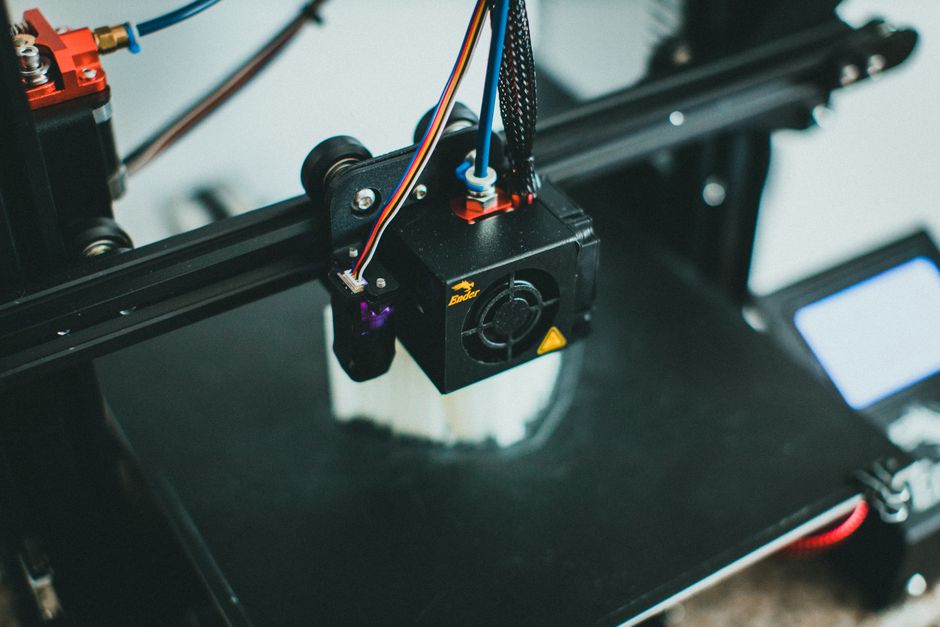
TPU is flexible, and that changes how filament feeds through your toolhead.
Direct drive tends to be easiest for TPU
Direct drive extruders place the drive gears close to the nozzle, reducing the distance the filament travels while it’s compressible. That usually means:
- more consistent extrusion
- fewer jams from filament compressing in the path
- more predictable retraction behavior
Bowden can work, but you must tune carefully
Bowden setups (filament feeding through a longer tube) can be more challenging for TPU because the filament can flex and buckle slightly during fast moves and retractions. If you have a Bowden printer, plan on:
- conservative retraction settings
- slower travel and print motion
- extra attention to feed consistency
If your current TPU prints show inconsistent lines, random gaps, or jams during retractions, your printer type and tuning are likely the limiting factor—more than the filament choice.
How to Choose the Best TPU for Your Flexible Part
Use this quick decision logic:
- Choose the firmer option (TPU 92A) if you want flexible parts that keep their shape, snap into place cleanly, or need more durability at thin sections. The tradeoff is slightly less “squish” and rebound compared to very soft blends.
- Choose the softer option (TPE 40D) if you want maximum bend and comfort, and your design can tolerate more deformation during printing and finishing. The tradeoff is higher sensitivity to stringing, temperature, and retraction.
If you’re unsure, start with a moderately firm TPU first, because it’s often easier to tune and gives you predictable results for functional flexible designs.
For the next step, pick your target feel (firm vs bendy), then run one controlled print test focused on stringing and perimeter quality—after that, refine temperature, speed, and retraction in small increments until your parts look clean and repeatable.
PriceIt3D may earn a commission when you buy through links on this page, at no extra cost to you. Affiliate notice.