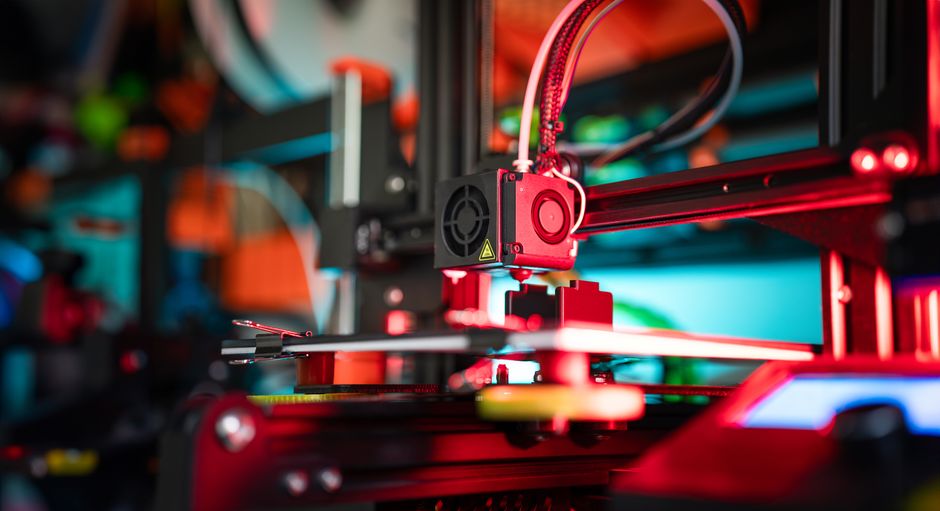
Budget FDM printers are never “set and forget,” but some are much closer than others. This guide compares Creality Ender 3 V2 and the Anycubic Vyper around the real things you’ll notice: reliability over time, how much maintenance you’ll end up doing, what the prints look like once tuned, and how painless (or annoying) upgrades can be.
Creality Ender 3 V2 reliability and upgrade path
Creality Ender 3 V2 sits in the “proven platform” category. You’re buying into a huge ecosystem of community knowledge, spare parts, and common troubleshooting paths—so when something drifts, you’re usually not stuck figuring it out from scratch.
Strengths
The biggest reliability advantage is support: calibration, firmware ideas, and mechanical tweaks have been discussed for years. That matters because most budget printer issues aren’t catastrophic failures—they’re slow drifts (belt tension changes, minor frame shifts, nozzle clogging, thermistor readings getting noisy). With the Ender-style ecosystem, you can usually diagnose the cause and apply a known fix without a ton of trial-and-error.
On print quality, the Ender 3 V2 tends to deliver clean results when its fundamentals are stable: steady extrusion, correct Z height, good bed adhesion, and consistent cooling. Because it’s a widely used design, you can often find settings that get you into the right neighborhood faster than experimenting blindly.
For upgrades, the platform is especially friendly. If you want to reduce noise, add more automation to bed leveling, improve first-layer consistency, or change how filament is fed into the hotend, there’s usually a straightforward path.
Trade-offs
The trade-off is maintenance workload. The more you try to make a budget printer do “everything,” the more you’ll tinker: tightening belts, checking fasteners, re-checking alignment after transport, and occasionally re-tuning extrusion or cooling.
If you want minimal tinkering, plan to treat setup and calibration as part of ownership. Even with good parts, the Ender 3 V2 style of printer rewards a careful baseline setup and periodic quick checks.
Anycubic Vyper reliability and upgrade path
The Anycubic Vyper is positioned more as a “simpler to live with” budget machine. Instead of making you learn the printer from the ground up, it generally aims to get you printing with less time spent on initial bring-up.
Strengths
If reliability to you means “prints consistently with less tuning effort,” the Vyper’s strengths typically show up early: fewer steps to get to usable first layers, and an experience that’s often friendlier for getting started.
In practice, that translates to a smoother learning curve. You can spend more time dialing in a couple of material settings (like temperature and cooling) rather than constantly fighting mechanical calibration.
Upgrade path can also be reasonable, especially when you focus on pragmatic changes that improve output without turning the printer into a science project.
Trade-offs
The main risk with any “less tinkering” budget printer is that options for repairs and upgrades can feel more limited than with the most community-driven platforms. When you’re changing components, differences in mounting points, wiring, or firmware support can turn a simple idea into a longer project.
For print quality, the Vyper can absolutely produce sharp results, but consistency still comes down to the same fundamentals: stable first layer, correct flow/extrusion, and good cooling. If you chase the best quality, you’ll still end up tuning—just less at the beginning.
Print quality, tuning, and maintenance workload
For both machines, print quality is less about brand and more about whether the printer can repeat its setup reliably: bed height where it matters, consistent filament flow, and cooling that matches the geometry.
Here’s what “maintenance workload” really means in day-to-day terms. It’s not just broken parts—it’s the small things that creep in and affect output quality.
Use this checklist to estimate how much effort you’ll need to keep either printer performing well:
- First-layer repeatability: confirm your bed is clean, level, and stable before spending hours troubleshooting print artifacts.
- Bed surface behavior: keep the same build plate condition (wear level, cleaning method) so adhesion changes don’t look like printer defects.
- Extrusion calibration: verify flow/extrusion multiplier for your filament, because under- or over-extrusion often looks like “bad quality” when it’s really calibration.
- Temperature sanity check: tune temperatures to the filament’s needs so stringing, blobbing, and weak walls don’t become a constant chase.
- Retraction tuning: adjust retraction mainly to reduce stringing and surface defects without causing clogs.
- Mechanics check: periodically inspect belts, smooth rods/rails, and fasteners—especially after moving the printer or changing parts.
How that affects the choice:
- If you enjoy tweaking and want lots of “if this, then that” fixes, the Ender-style ecosystem makes it easier to reduce maintenance pain over time (because you can swap parts and adopt proven upgrades).
- If you’d rather spend energy printing than diagnosing, the Vyper approach can feel more relaxing—at least until you hit a quality ceiling and want deeper modifications.
Which budget printer should you buy
Choose Creality Ender 3 V2 if you want:
- the easiest route to long-term improvement via upgrades and community-supported troubleshooting
- more control over your setup (and comfort doing periodic checks)
- a printer that rewards learning, because you can keep improving reliability as you go
Choose the Anycubic Vyper if you want:
- a more straightforward ownership experience with less initial tuning pressure
- a budget printer that’s more likely to get you to good results quickly
- an upgrade plan that stays practical (focus on output and reliability rather than extensive redesigns)
The deciding question is simple: do you see calibration and tinkering as part of the hobby, or do you want the printer to do most of the work with minimal maintenance? Your answer to that one point usually makes the choice clear.
PriceIt3D may earn a commission when you buy through links on this page, at no extra cost to you. Affiliate notice.