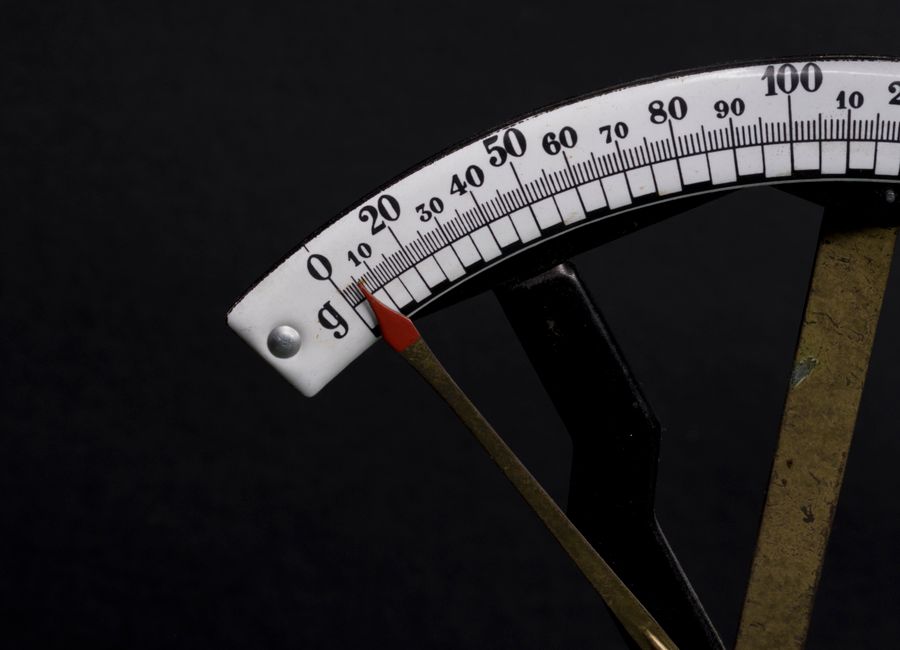

Resin printers don’t “extrude” material in the way FDM machines do, so calibrating e-steps the same way is usually a dead end. What actually controls your dimensional accuracy is how much resin gets cured per layer and how far the cure spreads in X/Y.
This guide walks you through a practical workflow for getting accurate dimensions using test exposure blocks—so you’re adjusting the right variables for resin, not chasing an FDM-style extrusion calibration that won’t translate.
Why Resin “E-Steps” Aren’t Calibrated Like FDM

On a resin printer, there’s no extruder pushing a measured filament flow. The “amount deposited” is governed by:
- Z-axis movement (lift height, lift speed, settle time) which determines how much fresh resin is presented to the light.
- Exposure settings (base exposure, exposure time, and any exposure compensation features) which determine cure depth per layer.
- Optical/cure behavior (light bleed, overcuring, resin viscosity/temperature) which affects how much the resin spreads beyond the intended pixel edges.
That’s why “e-steps calibration” doesn’t map cleanly. If you change an extrusion-like parameter on a resin system, you may see little improvement—or inconsistent results—because dimensional errors are usually coming from exposure and cure behavior, not a controllable “flow rate.”
Test exposure blocks let you measure the outcome (your part’s dimensions) and connect it back to exposure, instead of trying to force an FDM mental model onto resin hardware.
Prepare the Printer for Dimensional Testing
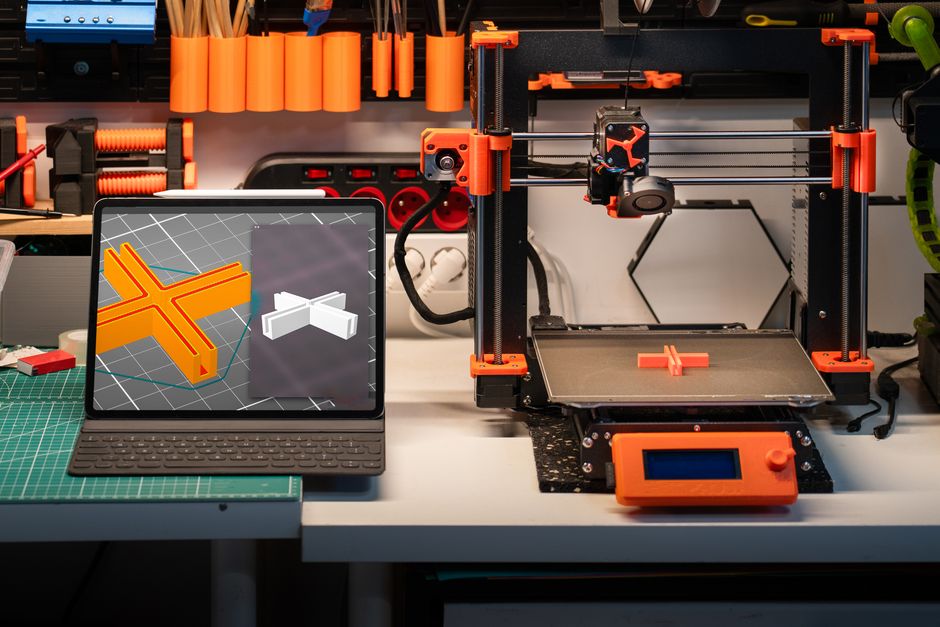
Do these essentials:
- Level and re-zero Z so the first layers start consistently across the build area.
- Clean the vat and the LCD surface. Residue, cured flakes, or haze can change effective exposure and spread.
- Keep resin temperature stable. Resin that’s colder can behave differently (viscosity and curing response shift), making your “calibration” drift between attempts.
- Use the same layer height you actually plan to print with. Different layer heights can change how cure depth lands.
- Plan post-processing the same way every time. Rinse time, drying time, and especially post-curing can change final dimensions.
If you use a UV curing unit, the key is consistency. For example, using SUNLU UV Resin Curing Box for the same duration and setup each test print helps keep your measurements comparable between exposure variations.
Dial Dimensional Accuracy With Test Exposure Blocks
Test exposure blocks are designed to show you how changes in exposure translate into real dimensions—usually by including multiple pads/columns/steps built at different exposure times (and sometimes by including features to help evaluate X/Y as well).
Follow this workflow to “replace” e-steps calibration with a resin-appropriate dimensional calibration.
- Choose a block that matches your goal. If you care most about dimensional accuracy (overall height/feature thickness), pick a block with repeatable vertical steps or known thickness regions. If you also need XY accuracy, use a block that includes horizontal measures (slots, holes, or stepped widths).
- Start with a sensible baseline exposure from your current profile. Don’t jump wildly on the first try—small increments are easier to interpret.
- Print the exposure block so all test regions share the same environmental conditions: same resin, same vat cleaning state, same layer height, same orientation.
- Rinse and dry every part of the block using the same timing and method you’ll use for real parts. Then post-cure all tests in the same way (same cure duration, same distance/position if your curing setup changes intensity).
- Measure the dimensions that matter using calipers or a micrometer. Compare measured values to the block’s intended/nominal dimensions, and note whether errors look like:
- Dimensional “overshoot” (features too large/thick)
- Dimensional “undershoot” (features too small/thin)
- Uneven error across the build plate (can hint at leveling/optics issues)
- Identify the exposure setting that best matches target dimensions for Z-related features (layer thickness/cure depth) and for XY-related features (cure spread). If one exposure corrects height but worsens XY, treat this as a sign you’ll need separate compensation (exposure vs. XY scaling/compensation), rather than expecting one number to be perfect everywhere.
- Adjust your slicer/profile parameters based on what you observed:
- If Z is off (parts too tall/short), change exposure time or your exposure compensation so cure depth matches.
- If XY is off (features too wide/narrow), use the slicer’s XY compensation/scale (or a resin-specific dimensional compensation setting if available) rather than repeatedly changing exposure.
- Reprint a smaller confirmation block (or a reduced range of exposures) with the updated parameters. Confirm that your chosen exposure no longer produces the same overshoot/undershoot.
The important mindset shift: you’re not calibrating a “flow” number—you’re calibrating the relationship between light dose and cured geometry.
Verify Consistency and Make Calibration Stick
Once you have an exposure that lands dimensions close to nominal, verify it survives the real world of resin printing.
Dimensional accuracy can drift for a few common reasons, so sanity-check the following:
- Screen/view consistency: Exposure and bleed can change with dust, scratches, or film wear. If your calibration suddenly degrades, clean and inspect first.
- Resin aging and mix: Some resins change behavior over time or with incomplete mixing. Use fresh, well-mixed resin for calibration prints.
- Build orientation: Orientation affects how surfaces are formed and can reveal whether an exposure correction is hiding another problem.
- Your post-cure routine: Over-curing can make parts larger or more brittle and can shift fine details. Keep cure time and handling consistent.
If you’re seeing that height is correct but fine horizontal features still miss, that points more toward XY compensation than exposure. If everything is systematically off in the same direction, your exposure dose (and possibly lift/settle behavior) is the likely driver.
Finally, record your calibration settings alongside the measurement results. The “win” isn’t just the one good number—it’s the documented baseline you can reapply when you switch:
- resins
- slicers
- layer heights
- build environments
That’s what makes this workflow practical instead of a one-off experiment.
If you want the most reliable result, the next step is to print your first exposure test block under your current profile, measure the block’s features carefully after consistent rinsing and post-curing, then adjust exposure to correct Z and use XY compensation to correct spread. That’s the resin version of dialing in accuracy—without chasing a parameter that doesn’t control resin like filament extrusion does.
PriceIt3D may earn a commission when you buy through links on this page, at no extra cost to you. Affiliate notice.