
Resin printers can make your models look like they were cast, not printed. FDM printers, meanwhile, focus on making it practical to build larger things reliably—often with far less day-to-day hassle.
This guide breaks down how the choice really affects detail, build volume, mess and ventilation, running costs, and what each type is best for—especially miniatures, functional parts, and cosplay.
Resin Printers (SLA/DLP) for High-Detail Models

That detail is also why resin is such a strong fit for collectible-style work. If your priority is crisp edges, readable textures, and minimal visible layer lines, resin usually wins.
Strengths
- Excellent fine detail and clean surfaces, great for miniatures and detailed display models.
- Good for small parts where a thin “look” matters more than size.
- Easy to dial in visual quality with exposure settings and proper part orientation.
Weaknesses
- Build volume is often smaller, so big cosplay components may take longer or require splitting.
- Workflow includes washing (usually with alcohol-based cleaners) and curing, which adds time.
- Resin handling is messy and requires careful safety practices.
A resin setup also has “hidden” time costs: post-processing (wash + cure) is part of printing, not an optional extra. If you want to iterate quickly, you’ll feel that.
Mess and ventilation are the biggest trade-off. Liquid resin and its fumes mean you’ll want gloves, controlled ventilation, and proper disposal/cleanup habits.
Before buying resin, run through this checklist:
- Confirm you have a ventilated workspace and can keep resin handling contained
- Plan for gloves, eye protection, and careful spill/skin-safety routines
- Budget for wash supplies (cleaning solution), paper filters, and replacement vat consumables
- Use a curing approach that matches your printer and resin safety instructions
- Decide how you’ll store resin safely between sessions
- Identify local disposal rules for resin waste and used cleaning liquid
If you want a reference point for the style of resin printing that prioritizes surface finish, Phrozen Sonic Mini 4k represents the kind of machine built for fine miniature detail.
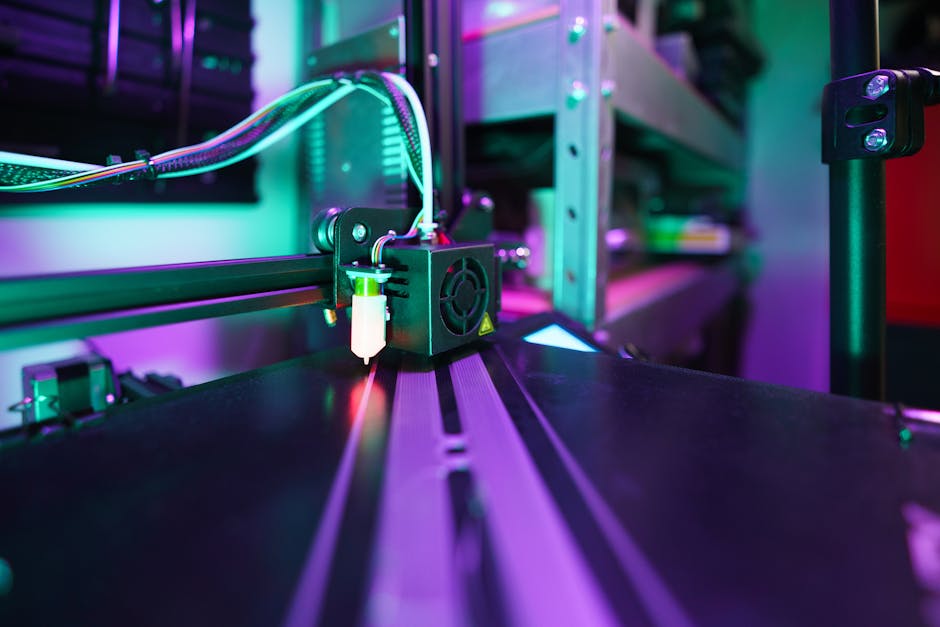
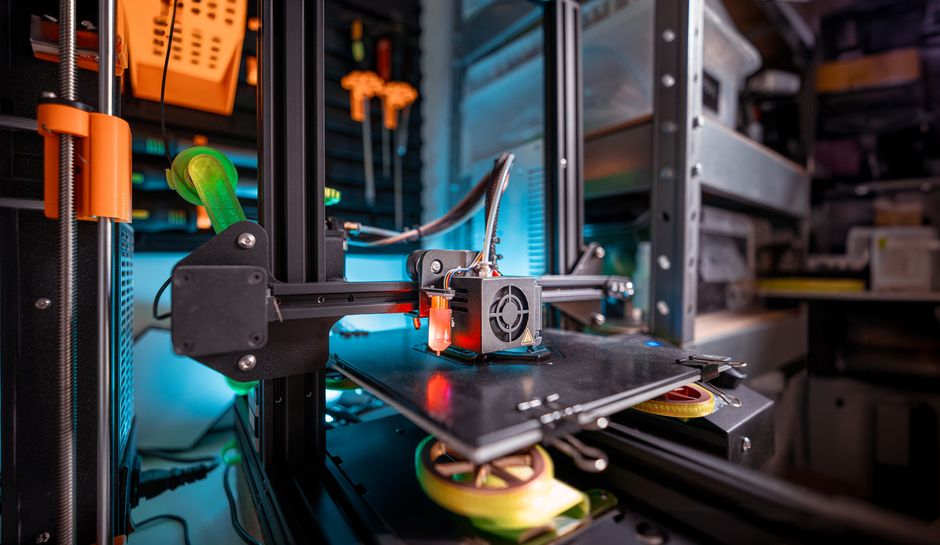
FDM Printers for Real-World Parts and Bigger Builds

For cosplay, FDM shines because armor pieces, helmets, straps, and large props often need size and repeatability more than “microscopic” surface smoothness. Even when you do want a cleaner look, you can pair FDM prints with sanding, filler primer, and paint to hide layer lines.
For functional parts, FDM can be the more straightforward choice because you can select materials for strength and heat resistance, and you don’t need resin washing/cure steps.
Strengths
- Larger build volumes for big cosplay parts and prototypes.
- Generally easier day-to-day workflow and fewer hazardous cleanup steps.
- More flexible material choices for toughness, impact resistance, and heat performance.
Weaknesses
- Layer lines and visible print texture are more common unless you post-process.
- Small details can be harder to achieve cleanly, depending on nozzle size and tuning.
- Warping and print failures can still happen if your environment and settings aren’t aligned.
Mess and ventilation
FDM is typically less “liquid messy” than resin, but ventilation still matters. Some filaments produce stronger odors or fumes than others, and enclosed printing environments can trap heat and smell if you don’t manage airflow. If you’re printing plastics known for odor (or higher-temperature processing), treat it like a ventilation job, not just a hobby task.
Running costs
FDM’s running costs usually center on filament, occasional maintenance (nozzle cleaning, bed leveling or part wear), and replacement parts like fans or drive components over time. Resin’s costs tend to include more consumables tied to the post-print process—cleaning solution, filters, vat replacements, gloves, and wasted resin during failures.
If you want a reference point for the kind of FDM machine that’s widely used for reliable printing and tinkering, Creality Ender 3 V2 is a good example of the FDM ecosystem.
For cosplay and functional parts where you’d rather avoid “soft” plastics, consider using a tougher, more heat-tolerant filament like PRUSAMENT ASA 0.85kg 1.75mm Sapphire Blue. The key benefit is that the parts are less likely to feel flimsy or degrade quickly when used and handled.
Which Should You Buy for Your Projects?
The fastest way to decide is to match the printer type to the pain you’re most willing to manage: post-processing and safety (resin) versus layer visibility and finish work (FDM).
Here’s a quick match:
- Choose resin if you’re making miniatures and want crisp faces, sharp armor details, and smoother surfaces
- Choose resin if you’re printing small parts where tiny features matter more than build size
- Choose FDM if you need large cosplay components, wearable props, or anything that won’t fit in a small print chamber
- Choose FDM for functional prototypes and parts where material choice and mechanical strength are more important than surface perfection
- Choose resin only if you can commit to washing, curing, and careful resin waste handling every time you print
- Choose FDM if you want a simpler workflow that supports frequent iterations without a full wash-and-cure routine
If your projects are mostly tabletop miniatures or display models and you have a safe workspace for resin, a resin printer is usually the better “finish quality” route. If your projects include wearable cosplay, bigger props, and parts that may need practical strength, FDM is the safer bet day-to-day.
The smartest next step is to pick one current project and plan its workflow end-to-end: time to print, time to finish, and the cleanup/safety effort you can sustain. That single project plan usually makes the decision obvious—before you spend time or money on the wrong ecosystem.
PriceIt3D may earn a commission when you buy through links on this page, at no extra cost to you. Affiliate notice.